Qualify the job earlier.
BRR compares the proposed work with the client’s budget where scope and cost evidence support it. Discuss the missing information, a smaller brief or a phased approach before detailed quoting.
Explore the budget check ↗ ISHCOMMERCIAL OSLet’s talk ↗

Built around the work of construction
Check the budget. Explain the price. Carry the agreed work into a quotation and invoice, with the details already in place.
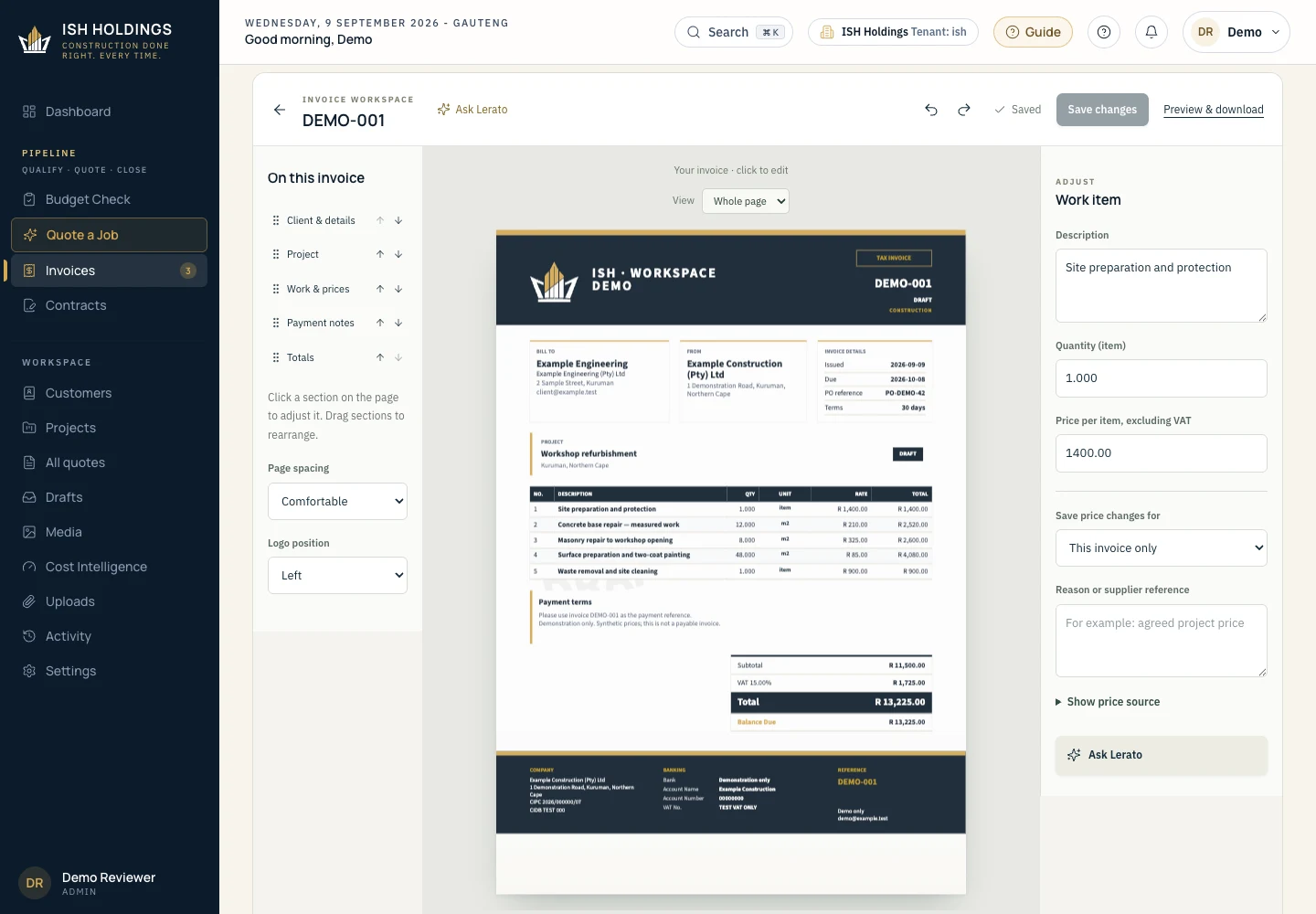
Actual interface · Demonstration data
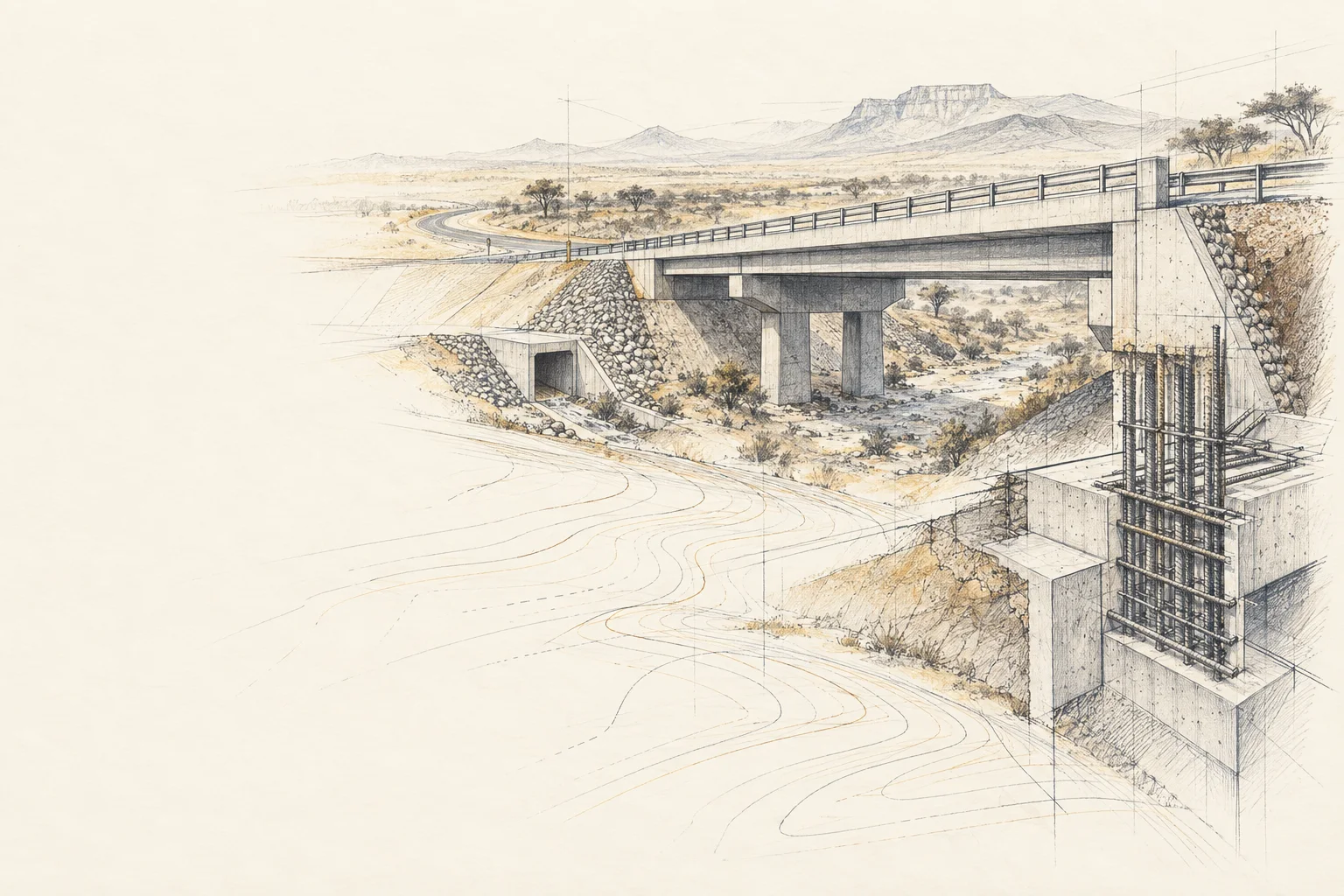
FROM THE FIRST LINE TO THE FINAL ACCOUNT
Every project begins with an idea. Bring scope, price and the next commercial decision into one clear workspace.
Install your workspace ↗The work before the work
BRR compares the proposed work with the client’s budget where scope and cost evidence support it. Discuss the missing information, a smaller brief or a phased approach before detailed quoting.
Explore the budget check ↗Inspect the saved price source. Record an agreed change. Choose whether it belongs to this invoice, this project or future work.
See the price controls ↗Create an invoice from an accepted quotation. Review the customer, project, items and total on the page instead of rebuilding the document from scratch.
Watch the actual workflow ↗BEFORE THE QUOTATION / BUILD READINESS REVIEW
A client brings a project and a budget. Review what the work includes, what the estimate is based on and what still needs checking. Then discuss the scope, funding and a practical route forward.
Review the proposed building, size, finish level and location against the assessment’s cost basis.
Discuss changes to size or specification, with the compromises visible to the client.
Separate what can be considered now from later work that still needs funding and review.
A SERVICE YOUR TEAM CAN SELL
Offer a standalone budget-review service to clients planning a building project. Agree the scope and fee, prepare an explained estimate with options and next steps, then invoice for the assessment. Your team can charge for that work even when the construction contract has not been awarded.
Keep source information, assumptions, exclusions and the next decision together.
Discuss the BRR workflow ↗BRR provides a preliminary budget assessment for review, rather than a final tender or a structural-engineering sign-off. Cost calibration and the client-report release checks are being completed for this preview. Assessment fees are agreed separately.
Seven-page demonstration with synthetic figures. Shows the report format, not a local market estimate.
01 / THE COMMERCIAL WORKSPACE
Start with the work the client agreed to. Check and edit the whole invoice, with quantities, prices and totals connected. Less copying. A clearer review before issue.
02 / EVERY NUMBER HAS A STORY
Adjust the selling price for this invoice. Keep future cost updates deliberate, with a clear scope and a reason.
Learn the pricing workflow ↗Where should this change apply?
Change the selling rate on the document you are reviewing. The project and company cost books stay as they were.
Check the line item, VAT and total before issue.
Interactive explanation. No prices or records are changed here.
Quantity, unit and description stay visible. A square metre and a rate per item are different decisions.
An agreed selling price belongs on the invoice. A new supplier cost belongs in the appropriate project or company controls.
Add the reason. Review subtotal, VAT and total. Confirm the saved document before the final preview.
03 / GROUNDED IN THE PLACE YOU BUILD
Northern Cape construction has its own distances, suppliers and delivery realities. A useful price needs more than a number.
Supplier, product specification and publication date give a price its context.
Delivery, handling and the selected store can materially change a material cost.
Material prices, wage floors and installed work rates answer different questions.
The current release is being benchmarked against published regional material prices and industry references. Project-specific prices still need checking; this preview does not promise a verified rate for every construction item.
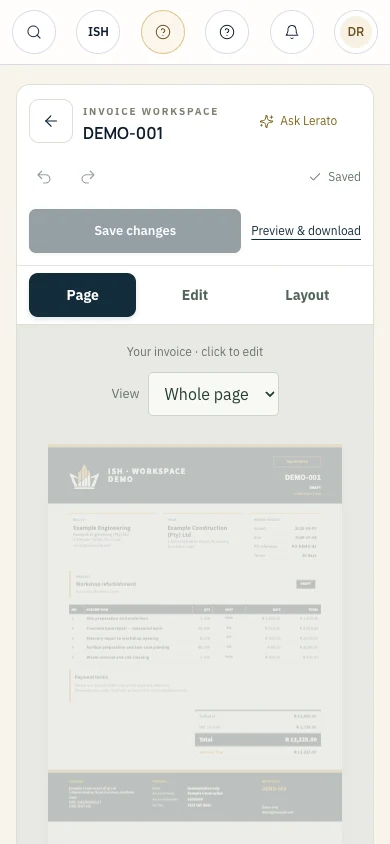
04 / FROM DESK TO SITE
Check a document from site without hunting through a desktop layout. Page, Edit and Layout keep the next action clear, with help available from the invoice.
Get comfortable with the workspace ↗Actual mobile interface shown with demonstration data.
DESIGNED TO BE UNDERSTOOD
Explore the relationship between the workspace, AI assistance, commercial records and document output.
Explore the architecture ↗THE NEXT CHAPTER
Bring a typical enquiry, a difficult pricing decision or an invoice workflow. We’ll show where ISH can reduce the repeated work and what your team would need to get started.
See ISH for your business ↗Opens your email app. Retail packages and launch availability are being finalised.